Gaming Without the Drama:
A Parent’s Guide, Part 3
Most kids are motivated by challenge and connection —
not addiction. Here’s how to tell what’s really going on.
- Passionate play ≠ addiction. Long gaming sessions don’t automatically signal a problem.
- Look for patterns, not dramatic moments. One meltdown doesn’t equal addiction — but constant ones when asked to stop might.
- Healthy gamers stay balanced. They finish homework, keep offline hobbies, and can stop without extreme distress.
- Watch for real-life withdrawal. Skipping meals, losing sleep, lying about gaming time, and abandoning previous interests are red flags.
- Collaboration beats control. Building boundaries together is far more effective than imposing strict rules.
Gaming Addiction vs. Healthy Play: Know the Difference
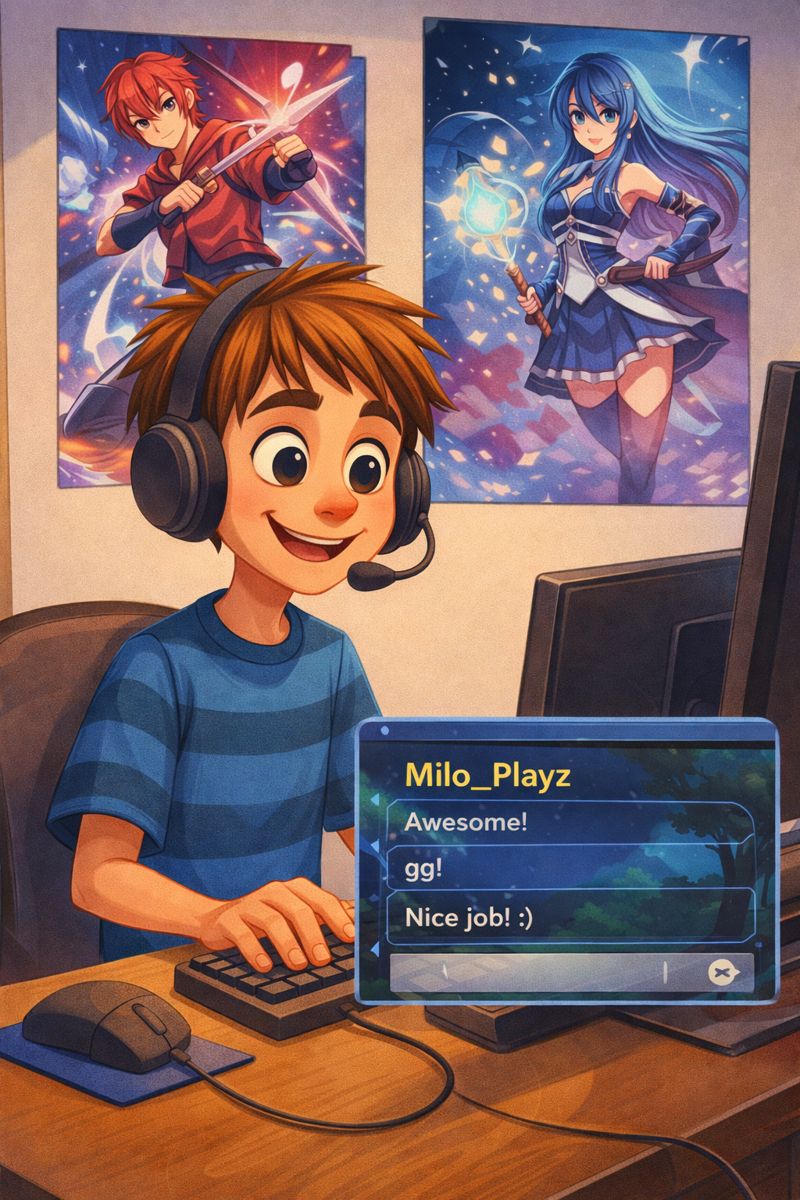
The line between passionate, healthy gaming and problematic play isn’t always obvious — and many parents mistake intensity for addiction. Kids who love gaming often experience deep focus, social connection, and a real sense of achievement. That’s not a problem. What is a problem is when gaming begins replacing, rather than supplementing, the rest of life.
One explosive moment when you call time doesn’t tell the whole story. A child who struggles to disengage every single time, who lies about how long they’ve been playing, or who has quietly stopped caring about everything else they used to love — that’s a different conversation.
In-Game Purchases: When “Free” Costs a Fortune
The Psychology Behind the Purchase
Variable ratio reinforcement — the same psychological mechanism that makes slot machines addictive — is deliberately built into loot box systems. When your child pays to unlock a random virtual item, their brain’s reward center activates in exactly the same way it does with gambling.
Game designers know this. The mechanics are intentional.
Here’s what that looks like in the games your kids are actually playing:
Battle Pass + V-Bucks for skins, emotes, and dances
“Limited-time exclusive items — Buy now or miss out forever!”
Robux for avatar items, game passes, developer products
Peer comparison — everyone can see your avatar’s items
Minecoins for marketplace content and Realms subscriptions
Multiplayer server access and expansion pack gatekeeping
Age-Specific Guidance
What’s Happening
Kids this age are just entering the online gaming world. They’re excited, trusting, and don’t yet have the risk-assessment skills to recognize danger. If someone online says “I’m 10,” they believe it. They take people at their word — because that’s developmentally appropriate for their age. Your job is to be nearby, not hovering, but present.
- Keep all gaming in shared spaces — living room, not bedroom
- Friend lists must be real-life friends only
- Voice chat stays OFF
- Sit nearby periodically: listen and watch
- Use parental controls to restrict spending and contact
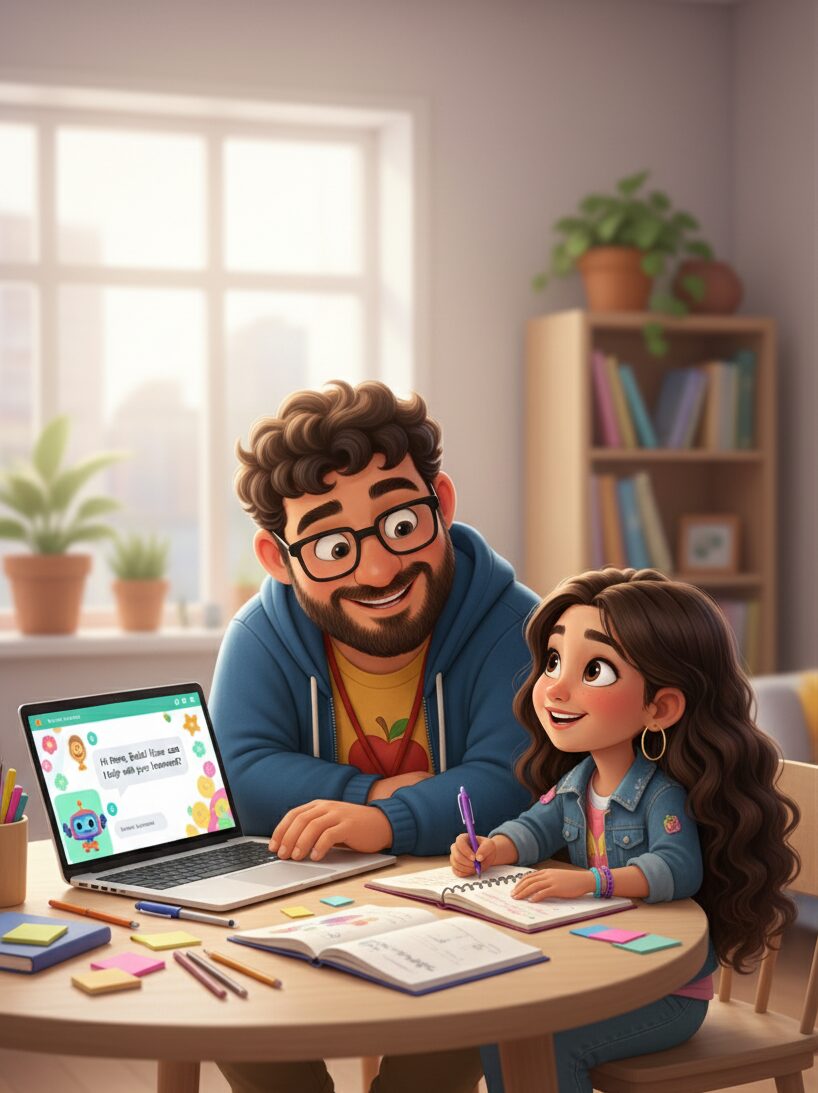
- Watch them play sometimes — ask questions, show genuine interest
- Teach: “If anyone asks personal questions, tell me immediately”
What’s Happening
Gaming is their social life now. They’re navigating online friendships, peer pressure to have the right avatar items, and figuring out who they can actually trust. They want more independence — and they’re ready for more — but significant guidance is still essential. This is when conversations matter most, not restrictions.
- Voice chat OK with real-life friends; online-only friends must be met in-game first
- Spot-check friend lists and conversations periodically — with their knowledge this is your policy
- Create a monthly gaming budget they manage themselves
- Involve them in setting their own screen time limits
- Watch for gaming interfering with sleep, school, or real relationships
- Have the online predator conversation clearly and directly — not scary, but honest
- Teach critical thinking about in-game purchase psychology and manipulation tactics
This Week’s Action: Create Your Family Gaming Contract
- Download our Family Gaming Contract template (link below)
- Schedule a family meeting and bring snacks — make it an event
- Fill it out together. Their input matters as much as yours
- Both parent and child sign it. This makes it real and mutual
- Post it somewhere visible. The fridge works. The bedroom door works
- Set a reminder to review it in 2 weeks. Agreements need revisiting
- Let your child decorate the contract — ownership matters
- Include a “reward” section for consistent self-regulation
- Build in flexibility (“Special event weekends get +1 hour”)
- Add their input on consequences — they’re often stricter on themselves than you’d be
Get Your Free Resources
Download the conversation scripts and Family Gaming Contract template — ready to customize tonight.
Join the Conversation
We want to hear what’s actually happening in your house — because your experience shapes the next piece of content we create.
Share your story and tag us:
#SmartTechKids
Subscribe to the newsletter for weekly digital parenting tips and new activities, or connect with us on Facebook and Instagram — we read every message.